
What do the "external" and "internal" labels on projects, metrics, and checklists mean?
You may see the labels "internal" or "external" on a circle's Metrics, Checklists, Goals, and Projects tabs.
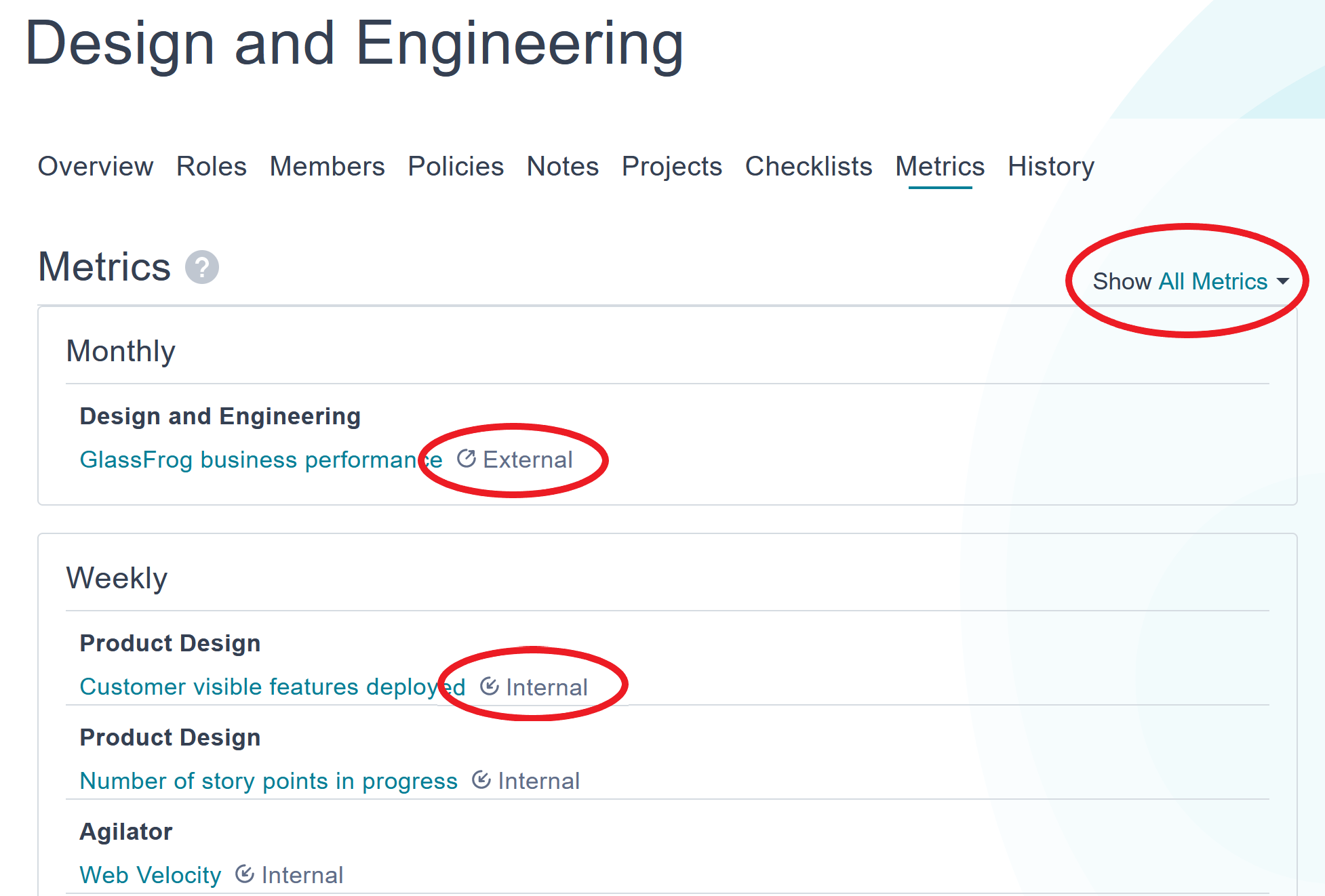
To understand what those mean, you'll need to know where you're viewing the item.
If you're on a circle's page, internal items are ones that only exist inside the circle — items that are assigned to roles in that circle . They are reported in that circle's Tactical meetings, rather than tactical meetings of that circle's parent circle.
External items are ones that are assigned to the circle itself. They will show up in the parent circle or supercircle's Tactical meetings, but they will not show up in the meetings of the circle itself.
However, if you're viewing items from the role page, you're likely to see only items marked "external". That's because they are external to the role, in that they come from the role's parent circle and are reported in its meetings.
How do I view only external, only internal, or all items?
In the upper right-hand area of a circle's Projects, Metrics, Goals, or Checklists tabs, you can see a dropdown menu (see picture in above section). Select "All" to show both internal and external items, or one of the other options to filter and see only one view or the other.